
Password Management
Simplify access to online resources with automated, secure passwords
Centrally manage and automatically assign the correct user login credentials for the online resources used, helping streamline research access.
Manage organisational, individual, pooled and linked passwords
Designed to give teams full visibility and control, Onelog centralises access credentials across your organisation, whether they belong to a single user, a shared account, or systems that rely on linked logins.
Save valuable time logging into your online resources
Managing password access for online resources from multiple different vendors, and all with different terms of use can be problematic.
Onelog alleviates this by automating password entry, ensuring you always remain compliant with licence agreements whilst providing quick user access to online subscription resources.
Stop juggling your logins – manage them all in one place.
Seamless, authorised access to key information
Onelog removes the headache of managing passwords as it takes control of login credentials to online resources, subscriptions and websites, resulting in a password free environment for end users.
Password-free environment
This greatly improves the user experience and reduces barriers to resource access as users no longer need to remember or manually store account details when using Onelog’s smart password autofill.
Smart password autofill
Ensure compliance with publisher licencing agreements
Ensuring you remain compliant with the terms and conditions of your subscriptions is key to avoiding additional costs or legal action from resource vendors.
Some licence agreements may purely be for individual users, whilst others may be based on IP addresses or enterprise wide. Regardless of the licence agreement, Onelog ensures you always remain compliant.

Stronger passwords.
Simpler access.
Access all information regarding your passwords from user behaviour, resource usage and password sharing.
-
Review important information about where and how your centralised passwords are being used within your company.
-
Stay notified on all your stored passwords, for every subscription.
-
Use Onelog to share passwords across your user base.

Comprehensive reports that reduce costs
Onelog comes complete with reports that can actually save you money on your online resources. All usage is tracked so you have complete visibility of how often logins are used to constructively negotiate with your resource vendors based on actual usage.
Transparency on shared logins and usage patterns
You may find that an enterprise-wide licence is no longer required and scale back your subscription or even cancel resources that no one accesses.
Centrally manage user’s online passwords

Reduce the burden of resource access admin
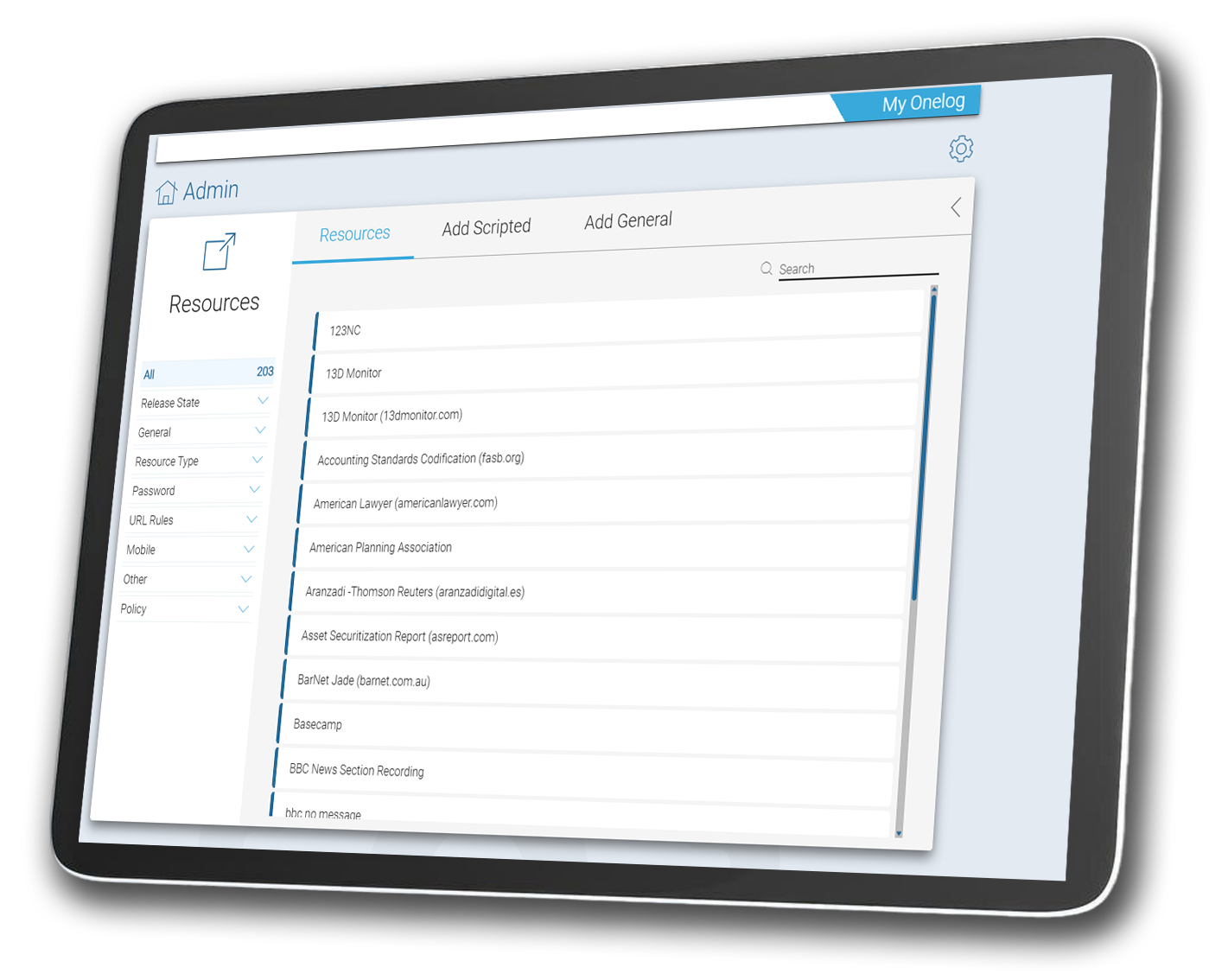
Onelog password management has been designed to automate enterprise login details, thus removing time-consuming admin when managing access to online resources.

Increase your productivity and remove burdensome tasks
Informing users of forgotten passwords is a thing of the past. If the user is permitted to access the resource, Onelog ensures they can, swiftly and with no down time.